
Protecting photos online is not just about stopping strangers from stealing them. It also means limiting unwanted downloads, keeping client galleries private, preserving proof of ownership, and making sure your originals are not lost if an account is hacked or a drive fails. For most photographers, the best approach is layered: post smaller web versions, add visible or hidden ownership details, control access where possible, back up originals, and secure the accounts that store your files.
Here is a quick beginner-friendly view of the main options:
| Method | Best for | What it helps with | Main limitation |
|---|---|---|---|
| Watermarks | Public portfolio and social posts | Discourages casual reposting | Can be cropped or edited out |
| Lower-resolution uploads | Social sharing and previews | Reduces high-quality reuse | Does not stop screenshots |
| Metadata | Ownership records | Preserves creator info in files | Some platforms strip it |
| Private galleries/passwords | Client delivery | Limits access and downloads | Depends on platform settings |
| Backups | Original files | Prevents loss or deletion | Needs regular maintenance |
| Strong account security | Cloud libraries and galleries | Prevents takeover | Only works if you use it consistently |
What Protecting Your Images Online Actually Means
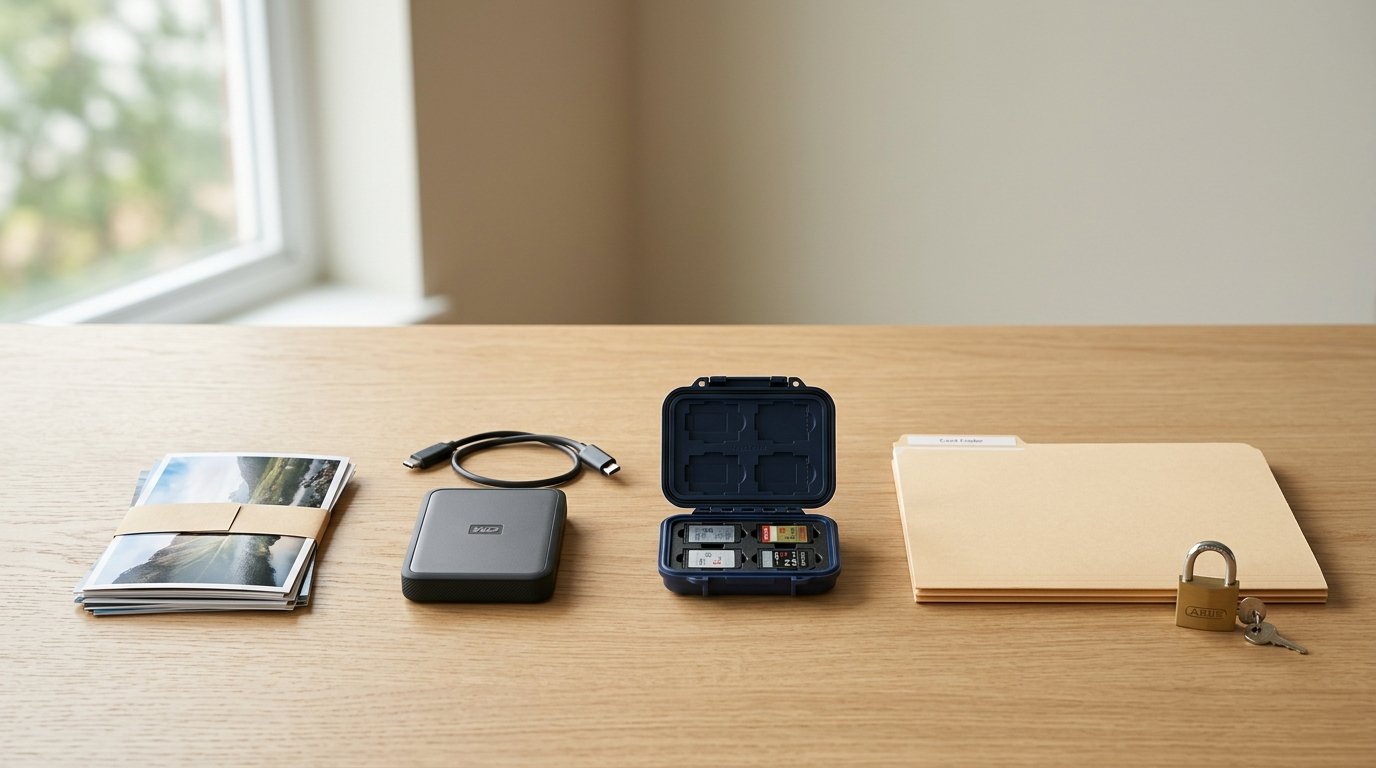
A helpful way to think about image protection is to split it into four goals: deter theft, prove ownership, control access, and prevent loss. Each goal solves a different problem.
For example, a watermark may discourage casual reuse, but it will not protect your originals if a hard drive fails. A private gallery may limit who can view client work, but it does not help much if someone downloads and reposts a file elsewhere. That is why single-solution thinking usually falls short.
Good protection is layered. You use one set of tools for public sharing, another for private delivery, and another for archiving your original files safely.
Start by Separating Your Image Types Before You Upload Anything
Before posting anything, decide what kind of image you are sharing. A portfolio sample, a family snapshot, a paid client gallery, and a high-value commercial image should not all be treated the same way.
A simple rule works well:
- Public promotional images: use web-sized exports and visible deterrents.
- Client images: use private galleries, passwords, and download controls.
- Personal or sensitive photos: share only in restricted spaces, or do not upload them at all.
- Original RAW or full-resolution masters: keep these in secure storage, not on public platforms.
This quick sorting step helps you match the right level of protection to the real risk.
Use Visible Protections That Discourage Casual Image Theft
Visible protections are meant to make reuse less convenient. They will not stop a determined thief, but they can reduce easy copying.
The most common option is a watermark. Keep it readable but not so large that it ruins the photo. A small logo or name in a corner is less annoying, while a more central watermark offers stronger deterrence for images that are often reposted. Choose based on the photo’s purpose.
That choice is easier to judge on a reliable photo editing computer setup, where size, placement, and sharpness are easier to review before export.
Another useful step is uploading lower-resolution versions. If someone grabs the file, they get only a smaller copy that is less useful for printing or commercial reuse. You can also lightly sharpen for web and avoid posting your full-size export.
If you display work on your website, consider disabling right-click downloads or image drag where your platform allows it. This does not create real security, but it does stop some casual users.
Add Hidden Ownership Information to Your Files
Hidden ownership details help you show that an image came from you, even when the photo itself looks unchanged. The most accessible method is metadata.
In your editing or export software, fill in fields such as creator name, copyright notice, contact email, and website. If your image travels with that information intact, it gives viewers, clients, and licensing contacts a way to identify you.
You can also include IPTC metadata templates so every exported image carries the same ownership basics automatically. That saves time and reduces mistakes.
Some photographers also use digital watermarking or fingerprinting services that embed less visible tracking information. These tools can help with monitoring or proof, but they are usually a secondary layer rather than a complete solution.
Remember that many social platforms strip metadata, so treat it as helpful evidence, not guaranteed protection.
Control Who Can Access, Download, or Reuse Your Photos
Access control matters most when you are sharing photos with specific people rather than the public. If you deliver images to clients, use galleries or cloud folders with settings you understand well.
Look for features such as password protection, expiration dates, viewer-only links, limited download permissions, and separate folders for selects versus full delivery. If a platform offers download size choices, send web-resolution previews first and reserve high-resolution files for approved users.
For collaborative work, avoid sending open links that can be forwarded endlessly. A restricted folder tied to invited email addresses is safer. If a client only needs to review, choose view-only access until final delivery.
Also be careful with licensing language. If you are sending work for limited use, say so clearly in the delivery email or gallery notes. Technical controls help, but they work best when paired with simple written terms about what the recipient can and cannot do.
Protect Your Originals with Secure Storage and Backup Habits
A lot of photographers focus on theft and forget that losing images is just as damaging. Originals need protection from drive failure, accidental deletion, ransomware, sync mistakes, and account issues.
A solid beginner approach is the 3-2-1 rule: keep three copies of your files, on two different types of storage, with one copy offsite. For example, you might store your working library on a computer, back it up to an external drive, and keep another copy in cloud backup.
Separate backups from synced folders. Syncing is useful, but if you delete a file or a folder becomes corrupted, that problem can spread across devices. A real backup should let you restore an older version.
Organize your photo library consistently and back up on a schedule you can maintain. For active work, daily or automatic backup is ideal. Test recovery once in a while too. A backup only counts if you can actually restore files from it.
Secure the Accounts That Hold Your Images
If someone gets into your cloud storage, portfolio site, or client gallery platform, they may be able to view, copy, or delete a huge amount of work at once. That makes account security essential.
Use a strong, unique password for every image-related account. A password manager makes this much easier than trying to memorize everything. Turn on two-factor authentication wherever possible, especially for cloud drives, email, and gallery platforms.
Your email account deserves extra attention because it is often the reset key for other services. If email is compromised, your image accounts may follow.
Also review connected apps and shared devices occasionally. Remove old access you no longer need, and be cautious with public Wi-Fi unless you trust the network or use extra protection.
Monitor Where Your Photos Appear Online
Even with prevention steps in place, it helps to check where your photos end up. Monitoring lets you catch misuse early.
The simplest method is reverse image search. Upload one of your images or paste its URL into an image search tool to look for matches on websites and social platforms. Do this occasionally for your most valuable or widely shared photos.
You can also set a reminder to check popular images every few months. If you post commercially important work, monitoring services may save time, but many beginners can start with manual checks.
Keep records of where and when you published an image so you can compare legitimate uses with unauthorized ones.
What to Do If Someone Uses Your Image Without Permission

Start calmly. First, capture evidence: screenshots, page URLs, account names, and the date you found the use. Save a copy of the page if possible.
Next, decide whether the use might be licensed, credited, accidental, or clearly unauthorized. If it is unauthorized, contact the person or site with a short, professional request. Ask for removal, proper credit, or licensing, depending on your goal.
If they ignore you, use the platform’s reporting or takedown process. Many websites and social networks provide forms for copyright complaints.
Keep your original file, export history, and metadata records. You do not need a full legal strategy for every case, but organized documentation makes your position much stronger.
A Simple Protection Checklist for Everyday Photographers
Use this quick workflow before and after sharing images online:
- Decide whether the image is public, private, client-only, or original-only.
- Export a web-sized copy for public posting.
- Add a watermark if casual reposting is a concern.
- Include creator and copyright metadata on exports.
- Use private galleries or restricted links for client delivery.
- Back up originals in at least two additional places.
- Secure all storage and gallery accounts with strong passwords and 2FA.
- Check occasionally for unauthorized reuse.
FAQ
Should I Watermark Every Photo I Post Online?
Not necessarily. Watermarks are most useful for public portfolio images, social posts, and photos that are frequently reposted. For client galleries or personal sharing, they may be unnecessary or distracting. Use them when visible deterrence matters more than a perfectly clean presentation.
Can Metadata Really Protect My Images?
Metadata helps prove ownership and gives your files built-in creator information, which is valuable. But it is not enough on its own because some websites remove it during upload. Think of metadata as supporting evidence, not a complete defense against misuse.
Is Uploading Lower-resolution Images Enough to Stop Theft?
No. Lower-resolution uploads reduce the value of stolen files, especially for print or commercial use, but people can still screenshot, repost, or crop them. It works best as one layer in a broader protection plan that includes ownership info and access control.
What Is the Safest Way to Send Photos to Clients?
Use a trusted gallery or cloud service with password protection, limited download settings, and view-only access when possible. Avoid open public links for sensitive work. Send only the resolution the client needs, and include clear usage terms in your delivery message.
How Often Should I Back up My Photo Library?
For active photographers, automatic or daily backup is ideal. At minimum, back up after every important shoot or editing session. The more often your library changes, the more often you should back it up. Regular backups matter most for irreplaceable originals.