
Adding your contact details to your camera means saving owner information in the camera’s copyright, author, or IPTC metadata fields. If the camera is lost, found, or serviced, that information can help identify it as yours. It can also attach your name or business details to image files straight from the camera, depending on the model and workflow. The quickest way is to open your camera’s setup menu, find Copyright Information, Artist, or Author, and enter a name plus a safe contact method such as an email address or business phone number.
Quick Answer
Yes, you should put your contact details in your camera if your model supports it.
The main takeaway is simple: adding owner information is an easy setup step that can help with camera recovery, ownership proof, and basic image attribution. It takes only a few minutes and usually lives in a menu related to copyright, metadata, or user information.
For most beginners, the best information to enter is:
- Your full name or business name
- An email address you actually monitor
- Optional: a business phone number
- Optional: a copyright notice
Avoid adding private details you would not want a stranger to see, especially a home address.
On many cameras, this data can be written into each image file automatically. On others, it may only appear as internal owner info. Either way, it is worth setting because it adds a layer of identification with almost no downside when done carefully.
How to Think About This Topic
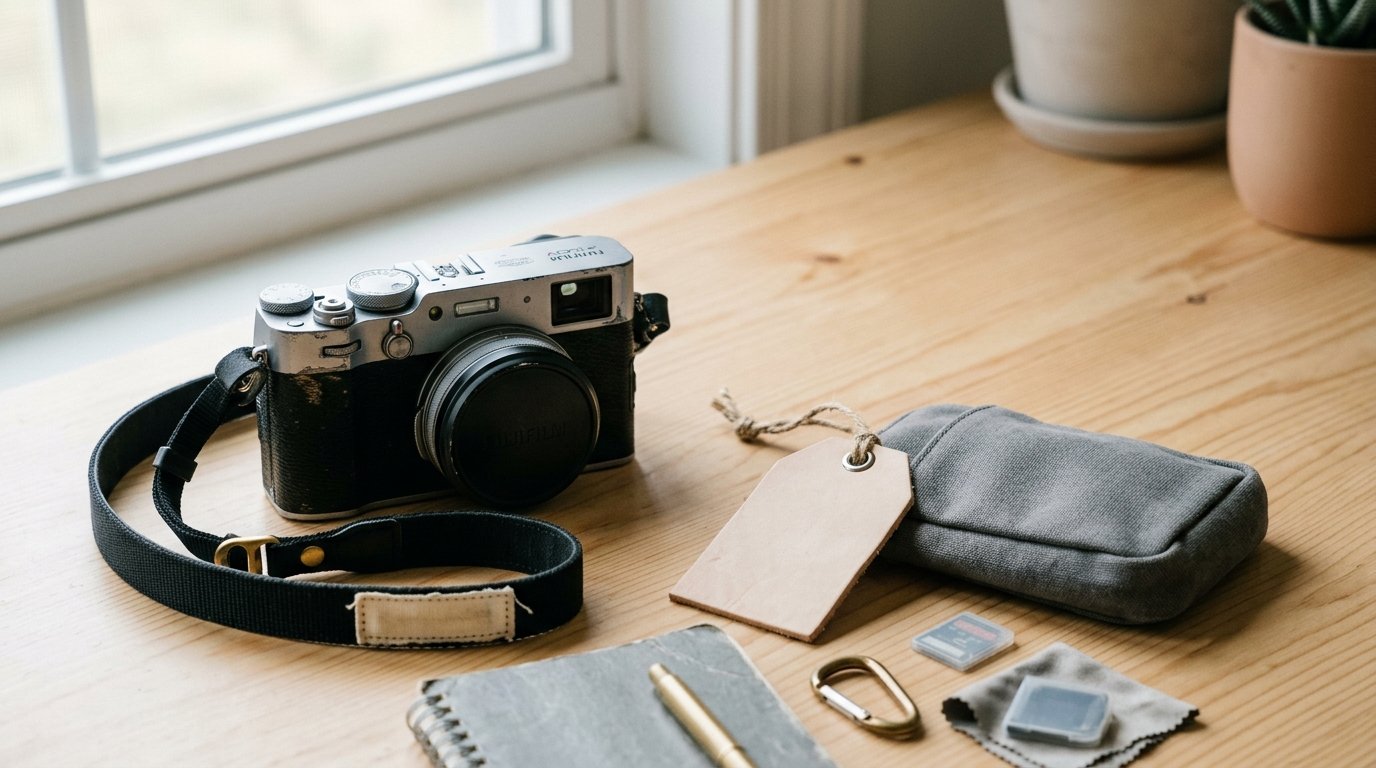
The easiest mental model is this: your camera needs a digital name tag.
People often think about lenses, memory cards, and custom buttons, but ownership identification is just as practical. If your camera is misplaced at an event, left in a taxi, mixed up during a workshop, or checked by a repair center, a stored owner record gives someone an obvious way to connect the gear back to you.
That ties directly to the reason people search for how to put your contact details in your camera: they want a simple way to make their camera easier to identify without adding extra gadgets or labels.
There are really two separate benefits:
- Camera identification
Some cameras store owner details inside the body settings. A finder, technician, or buyer may be able to view that information in the menu or through software.
- Photo file identification
Some cameras also write copyright or creator details into the metadata of every image. That can help when files get separated from folders, shared with clients, or mixed with other photographers’ work.
These are related, but not identical. A camera can support one without the other.
It also helps to think in terms of safe visibility. Metadata is useful because it can travel with your photos, but that also means some of it may be visible later in editing software or online platforms. So the goal is not to stuff every personal detail into the fields. The goal is to enter enough information to help someone reach you, while protecting your privacy.
A good rule is: use contact details you would be comfortable placing on a business card. That usually means a name and email address, not a full home address or highly personal phone number.
Practical Guidance
Start by checking your camera’s menu for one of these labels:
| What you may see in the menu | What to enter | Best use |
|---|---|---|
| Copyright Information | Your name and copyright notice | Photo attribution |
| Artist / Author / Creator | Your name or business name | Identifying image maker |
| Owner Name / Copyright Holder | Your name | Gear ownership |
| User Settings via app or software | Name plus safe contact email | Models with limited on-camera typing |
A practical setup for most people looks like this:
- Name: Jane Smith
- Contact: janesmithphoto@email.com
- Copyright: Copyright Jane Smith
If you run a photography business, you could use:
- Name: Bright North Photography
- Contact: hello@brightnorthphoto.com
- Phone: business line only if appropriate
How to Add It
- Open the camera’s main setup menu.
- Look for Copyright, Artist, Author, IPTC, or Owner Info.
- Enter your preferred name.
- Add one safe contact method if the camera allows it.
- Save the settings.
- Take a test photo.
Typing on cameras can be slow, so some brands let you do this faster through desktop software or a mobile app. Menu names vary by maker, but the idea is the same.
How to Verify It Worked
Verification matters more than people expect.
- Review the camera menu to confirm the text stayed saved.
- Import a test image into software that shows metadata.
- Check whether your name appears under creator, artist, or copyright.
- If nothing appears in the file, your camera may store owner info internally rather than embedding it into every image.
That last point is normal. Do not assume the feature failed just because the metadata field you expected is blank.
What to Avoid
- Home address: unnecessary and too personal
- Workplace you may leave soon: can become outdated
- Old phone number: creates dead-end contact info
- Long messages: hard to read and harder to maintain
Good Situations for This Setup
This step is especially useful if you:
- shoot events or travel often
- attend classes, club meetups, or workshops
- send your camera for cleaning or repair
- own more than one similar camera body
- share files with clients or collaborators
Finally, treat this as one part of a basic ownership setup. Also record your serial number, keep purchase receipts, and label batteries or straps if you work around other photographers. Contact details in the camera help, but they work best alongside those simple habits.
FAQ
Can Someone See My Contact Details on Every Photo I Share?
Sometimes, yes. If your camera writes the information into image metadata, software or some platforms may display it. That is why it is best to use a safe contact method, such as an email address or business phone number, rather than private personal details.
Is Adding Contact Details the Same as Gps Tracking?
No. Contact details identify the owner or creator, while GPS data records where a photo was taken. They are separate settings. You can add contact information without enabling location data, and many privacy-conscious photographers prefer to keep GPS turned off.
What If My Camera Only Has a Copyright Field and No Contact Field?
Use the copyright field for your name or business name first. If there is room, add a short email address. If not, save the contact detail in your editing software import preset so your files still carry useful creator information later.
Should I Put My Home Address in My Camera?
No. A home address is usually more risk than benefit. Use your name and a contact method you are comfortable sharing, such as a dedicated email address. If you want a physical address available, a business mailbox is safer than your home location.