
If you are wondering why you need Photoshop, the short answer is this: Photoshop gives photographers control that simpler editors often do not. Lightroom, Apple Photos, mobile apps, and camera-brand software are great for basic adjustments like exposure, color, cropping, and presets. Photoshop becomes useful when you need detailed local edits, advanced retouching, object removal, composites, or precise output work.
You do not need Photoshop for every photo. Many photographers edit most images elsewhere. But when a picture needs more than global sliders, Photoshop is the tool that lets you work carefully, selectively, and non-destructively.
Quick Answer
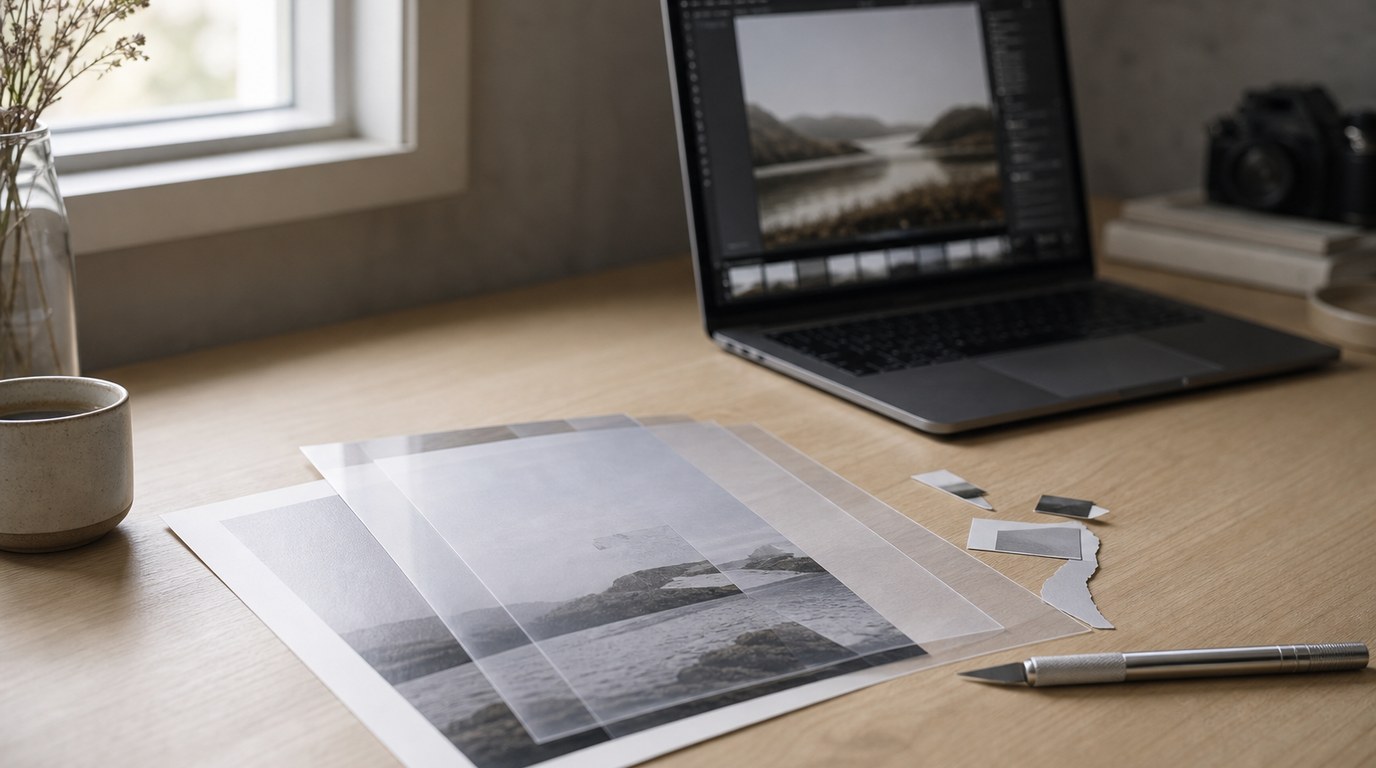
Photoshop is useful because it lets photographers make precise edits that go beyond normal photo adjustments. The five biggest reasons are: layers, masks, selections, retouching, and creative control.
Layers let you stack edits without permanently changing the original image. Masks let you hide or reveal parts of an edit, so you can brighten only a face, darken only a sky, or apply sharpening only where it helps. Selections let you isolate a subject, background, object, or small detail. Retouching tools help remove distractions, clean skin, fix dust spots, and repair problem areas. Creative controls let you combine images, extend backgrounds, add text, prepare files for printing, or create a more polished final look.
For beginners, the main takeaway is not that Photoshop replaces every editing app. It is better to think of it as a specialist tool. Use simpler software for fast organizing and overall adjustments. Use Photoshop when the image needs detailed repair, cleanup, blending, or finishing work that basic editors cannot handle well.
A simple way to decide: if one slider affects too much of the photo, Photoshop may be the better tool.
How to Think About This Topic
The easiest mental model is to separate photo editing into two levels: whole-image editing and pixel-level editing.
Whole-image editing means changes that affect the photo broadly. Examples include exposure, contrast, white balance, cropping, lens corrections, noise reduction, and color grading. Programs like Lightroom are built around this workflow. They are fast, organized, and excellent for editing many images from a shoot.
Pixel-level editing means working on specific areas, objects, edges, textures, or details. That is where Photoshop becomes important. Instead of saying “make the whole photo brighter,” you can say “brighten this person’s eyes, leave the skin natural, remove the sign in the background, and blend the edge so nobody notices.”
That distinction explains why photographers use Photoshop even if they already use another editor. It is not only about making photos look more dramatic. It is about solving specific problems.
For example, imagine a portrait with good lighting but a distracting outlet on the wall. A basic editor may have a healing brush, but it might smear the texture or leave obvious marks. Photoshop gives you more tools and more control to repair that area cleanly.
Or imagine a landscape where the sky looks good, but the foreground needs contrast. A global contrast slider may make the sky too harsh. In Photoshop, you can apply contrast through a mask so it affects only the foreground.
Here is a quick comparison:
| Editing need | Simpler editor is usually enough | Photoshop is useful when |
|---|---|---|
| Exposure and color | Yes | You need different edits in very specific areas |
| Cropping and straightening | Yes | You need to extend or rebuild edges |
| Spot removal | Often | The distraction is large or near important detail |
| Portrait retouching | Basic fixes | You need natural skin texture and precise cleanup |
| Creative edits | Limited | You need layers, composites, text, or advanced blending |
So, when beginners ask whether Photoshop is “necessary,” the honest answer is: not always. It depends on the kind of photography you do and how much control you want after the shot.
Practical Guidance
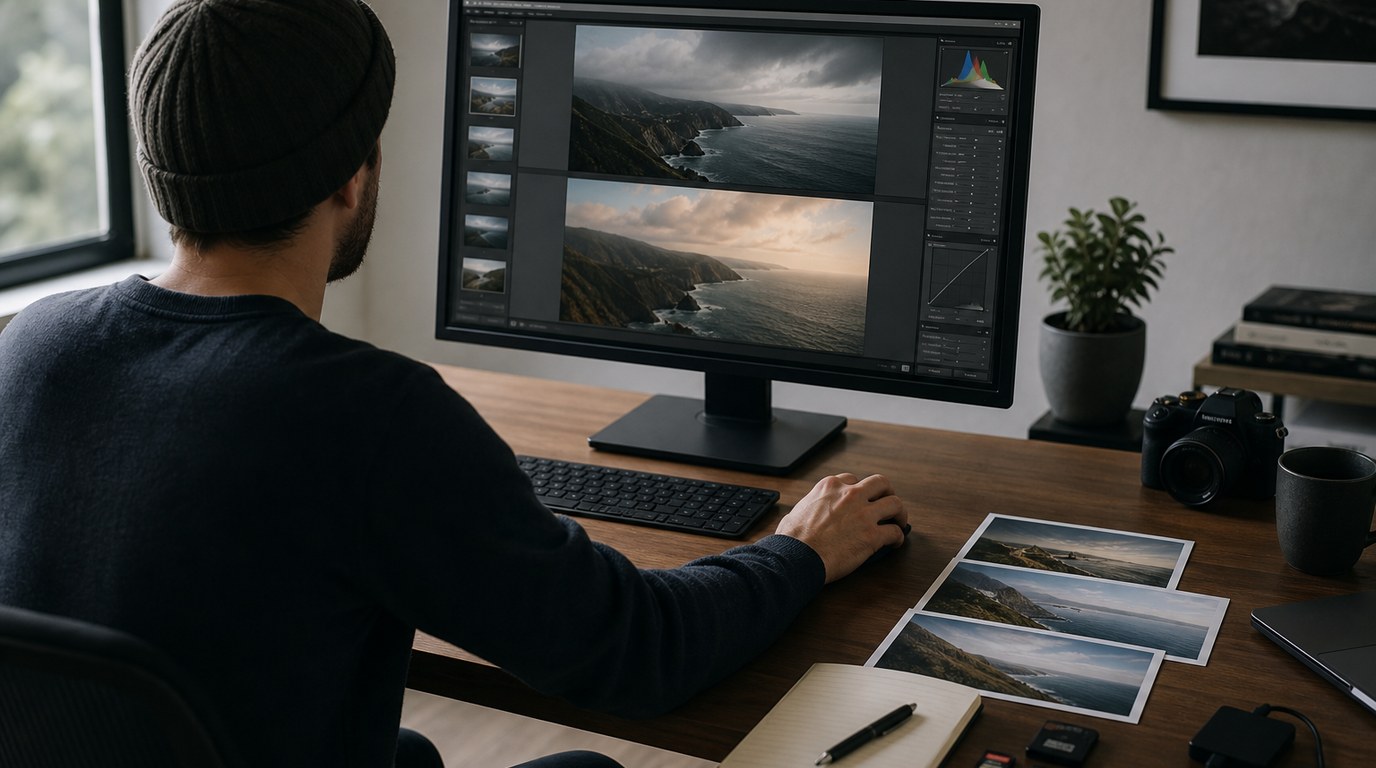
Here are the five practical reasons photographers use Photoshop.
1. Layers let you edit without painting yourself into a corner.
A layer is like a transparent sheet placed over your photo. You can add an adjustment, texture, repair, or effect on its own layer, then change or remove it later. This is helpful when you are learning because mistakes are less permanent. For example, you can brighten a portrait on one layer, soften a background on another, and compare versions without starting over.
2. Masks give you control over where edits appear.
A mask controls what part of a layer is visible. Beginners can think of it as a brushable on/off switch for an edit. If you add brightness to a photo, a mask can keep that brightness on the subject but off the background. This is one of the biggest reasons Photoshop feels more precise than basic editing apps.
3. Selections help isolate subjects and details.
Selections tell Photoshop, “work only on this area.” You might select a person, sky, product, flower, or piece of clothing. Modern selection tools are much easier than they used to be, and they are especially useful for portraits, product photos, and social media images where clean edges matter.
4. Retouching tools remove distractions more cleanly.
Retouching is not just airbrushing skin. For photographers, it often means removing sensor dust, stray hairs, litter, background signs, blemishes, wrinkles in fabric, or unwanted reflections. Photoshop’s healing, cloning, and content-aware tools give you options when one automatic fix does not look natural.
5. Photoshop helps with finishing and creative problem-solving.
Sometimes the photo is almost right, but not quite. You may need to replace a dull sky, blend two exposures, straighten a product edge, add space for a banner crop, prepare a print file, or make a clean before-and-after image for a client. Photoshop is valuable because it handles these finishing tasks in one place.
So, should you learn it? If you mostly shoot casual photos and only need quick edits, start with a simpler editor. If you shoot portraits, products, landscapes, weddings, real estate, or any work where small details matter, Photoshop is worth learning gradually.
Do not try to master everything at once. Start with the tools that match your needs: layers, masks, selections, healing, and basic adjustment layers. That small foundation covers many real photography problems.
FAQ
What Should a Beginner Know First About Wondering Why You Need Photoshop Heres 5 Reasons?
A beginner should know that Photoshop is mainly for precise, detailed editing. It is not required for every photo, and it does not replace good camera technique. Think of it as a tool for fixing distractions, controlling specific areas, retouching carefully, and finishing images.
What Matters Most When Evaluating Wondering Why You Need Photoshop Heres 5 Reasons?
What matters most is your editing need. If you only adjust exposure, color, and crop, a simpler editor may be enough. If you often need object removal, detailed masks, subject selections, natural retouching, or layered edits, Photoshop becomes much more useful.
What Mistakes Should Readers Avoid with Wondering Why You Need Photoshop Heres 5 Reasons?
Avoid assuming Photoshop will rescue every bad photo. It helps most when the original image is already strong. Also avoid over-retouching, flattening skin texture, making obvious composites, or learning random tools without a purpose. Start with practical photography problems first.
What Is the Next Logical Step After Learning About Wondering Why You Need Photoshop Heres 5 Reasons?
The next step is to learn one small workflow: open a photo, duplicate or create a layer, make a selection, apply a mask, and use a healing tool. Practice on real images you care about, not just tutorials, so the tools connect to your photography.