
A shutter release is the camera control that tells the camera to take a photo. On most cameras, it is the main button you press with your finger, usually on the top right near the grip. In beginner use, “shutter release” can also mean a remote trigger that fires the camera without touching it. The key idea is simple: the shutter release starts the capture process. Depending on how far you press it, the camera may focus, meter the scene, and then record the image.
What the Shutter Release Does on a Camera
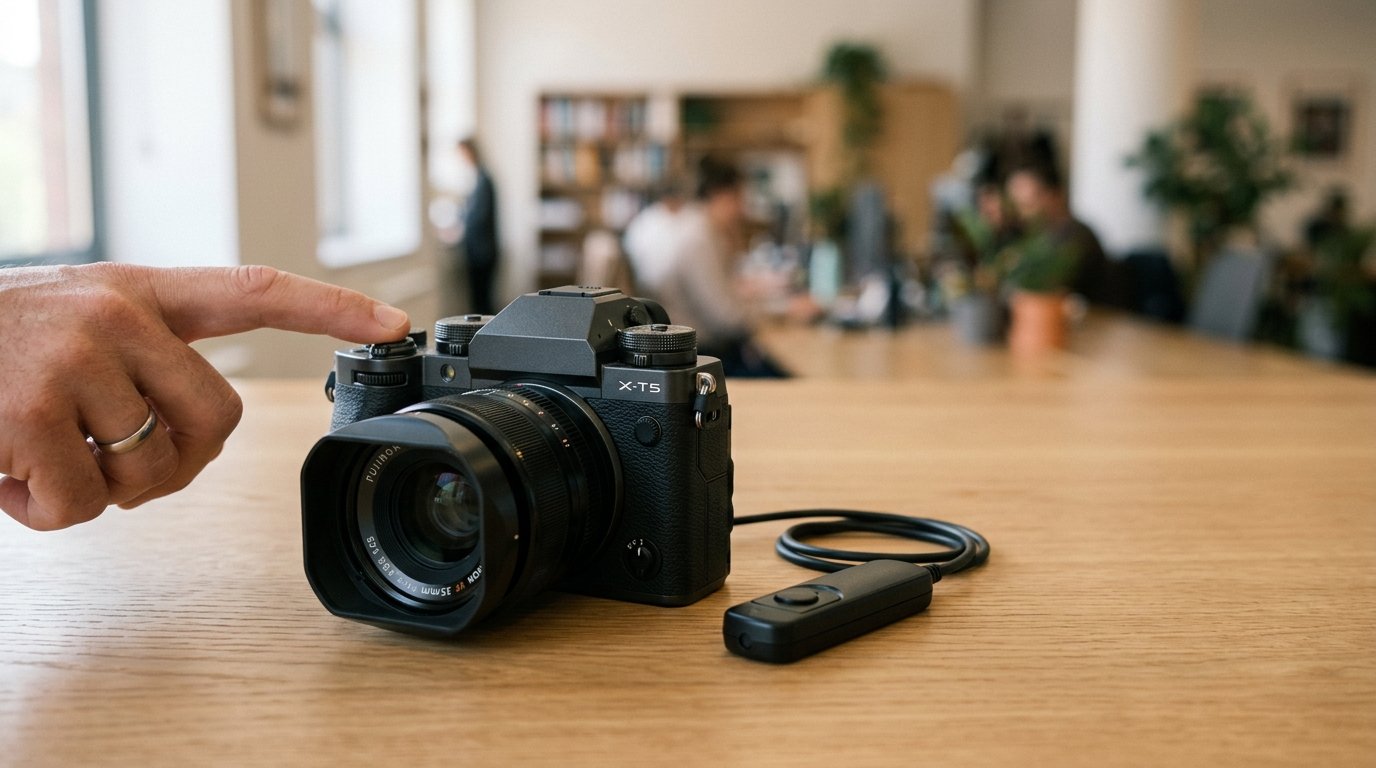
The shutter release is the control that starts photo capture. On a camera body, it is usually called the shutter button in everyday language, but “shutter release” is the broader term because it includes both the built-in button and external triggers.
In practical use, pressing the shutter release tells the camera to get ready for a shot and then take it. That may include autofocus, exposure metering, image stabilization behavior, and finally opening the shutter to record light.
Why it matters: this is the control you use for almost every still photo. If you press it smoothly and at the right moment, you are more likely to get a sharp, well-timed image. If you jab at it or press it carelessly, you can introduce camera shake or miss focus.
What Happens When You Press the Shutter Release
Most cameras use a two-stage shutter release. That means a light press does one job, and a full press does the next.
A half-press usually wakes the camera, activates autofocus, and measures exposure. On many cameras, it also locks focus or exposure temporarily, depending on your settings. This is why photographers often half-press first, wait for focus confirmation, then finish the press.
A full press completes the action and captures the image. Internally, the camera records the scene using the shutter, sensor, and exposure settings already chosen.
A simple mental model is:
- Touch and half-press: the camera prepares.
- Hold briefly if needed: focus and exposure settle.
- Press fully: the picture is taken.
In continuous or burst mode, holding the shutter release down may capture several frames in a row. In self-timer mode, a full press starts a delay before capture. So while the button seems simple, it is really the start switch for several linked camera actions.
Built-in Shutter Release Vs Remote Shutter Release
Beginners often see the term used in two ways, which causes confusion. Sometimes it means the physical button on the camera. Other times it means an accessory that triggers the camera from a distance.
| Type | What it is | Best use | Main benefit |
|---|---|---|---|
| Built-in shutter release | The shutter button on the camera body | Everyday shooting | Fast, simple, always available |
| Wired remote shutter release | A cable-connected trigger | Tripod work, long exposures | Reduces camera shake |
| Wireless remote shutter release | A radio, Bluetooth, or infrared trigger | Group shots, wildlife, self-portraits | Lets you shoot without touching the camera |
Both types do the same basic job: they trigger image capture. The difference is how you activate the camera.
A remote shutter release is especially helpful when touching the camera could blur the photo, such as during macro shots, night photography, or long exposures on a tripod.
When a Shutter Release Matters Most for Sharp Photos
The shutter release matters most when the camera is vulnerable to movement. Pressing any button can slightly shake the camera, and that movement becomes more visible at slower shutter speeds, longer focal lengths, or high magnification.
Common situations where shutter release technique matters:
- Low-light handheld shots: a jerky press can add blur.
- Telephoto photography: long lenses magnify small movements.
- Macro photography: tiny vibrations become obvious.
- Tripod-based landscapes or night shots: touching the camera can soften the image.
- Long exposures: even a small bump at the start can affect sharpness.
For example, if you photograph a city scene at night on a tripod, pressing the camera directly may cause slight blur. Using a remote release, self-timer, or a very gentle press can help keep the image crisp.
So the shutter release is not just a trigger. It also affects how stable the camera stays during capture.
How Shutter Release Relates to Shutter Speed and the Shutter Itself
These terms sound similar, but they mean different things.
The shutter release is the control you use to start the shot.
The shutter is the camera mechanism, or in mirrorless terms the exposure system, that controls when the sensor is exposed to light.
Shutter speed is the amount of time the camera allows light to hit the sensor, such as 1/500 second or 1 second.
Think of it this way: your finger presses the shutter release, the camera activates the shutter, and the shutter speed determines how long the exposure lasts.
This distinction matters because beginners often blame the shutter release for blur that is really caused by a slow shutter speed. In other cases, the shutter speed is fine, but the act of pressing the release adds motion. Both can affect sharpness, but they are not the same problem.
The terms connect, but each refers to a different part of taking a picture: control, mechanism, and timing.
Common Shutter Release Settings and Features to Know
A few settings change how the shutter release behaves:
- Single shot: one photo per full press.
- Continuous or burst mode: multiple photos while you hold the button down.
- Self-timer: starts a delay after you press the release.
- AF-S/One Shot focus modes: often lock focus on a half-press.
- Back-button focus: removes focus from the shutter release so the button only meters and shoots.
- Bulb mode: the shutter stays open as long as the release is held, or until pressed again with some remotes.
These features matter because they change the feel and function of the button. A beginner does not need to master them all at once, but it helps to know that the shutter release can do more than simply “take picture now.”
Simple Tips for Using the Shutter Release Better
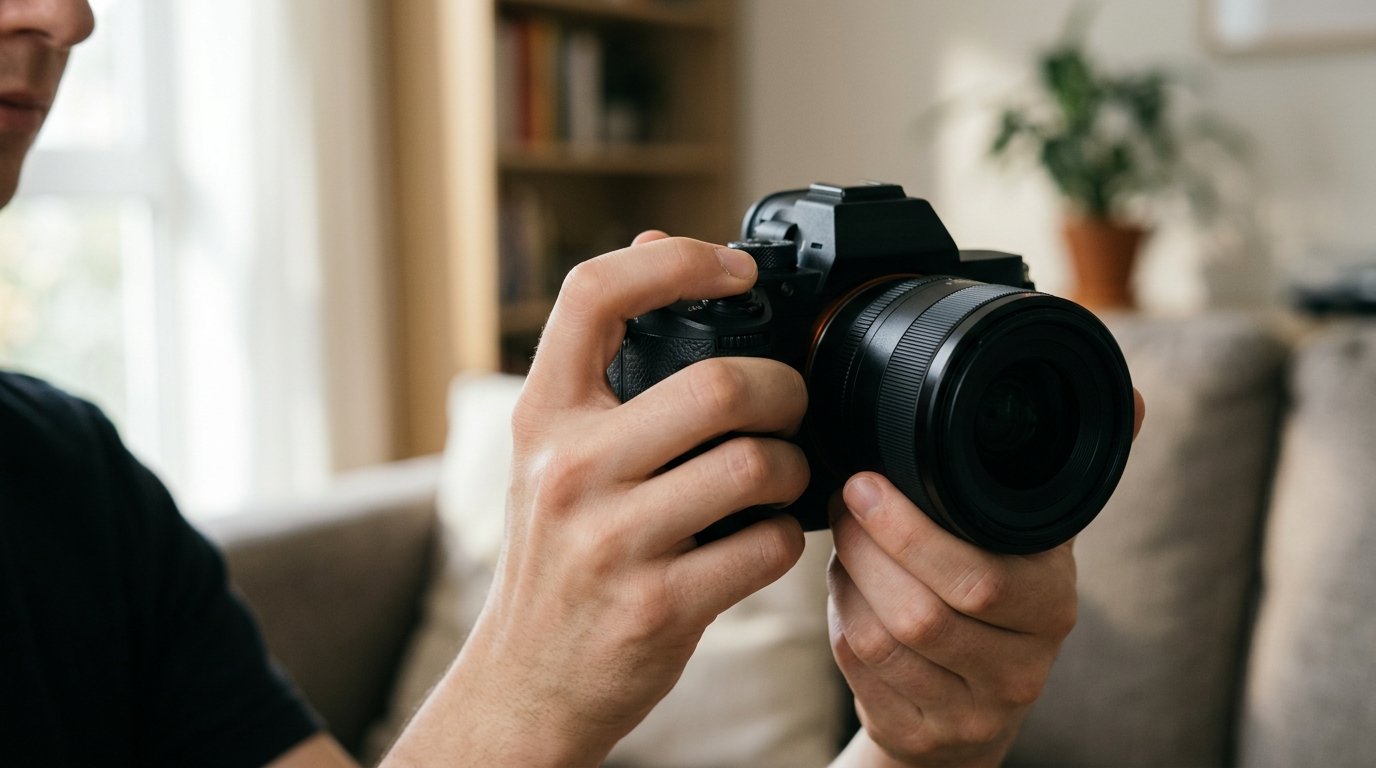
Press the shutter release smoothly instead of jabbing it. A gentle squeeze reduces camera shake.
Use a half-press to confirm focus before taking the shot, especially for portraits or close subjects.
If the camera is on a tripod, use a remote release or self-timer for the sharpest results.
For moving subjects, switch to continuous shooting so holding the shutter release captures several frames.
If focus keeps changing when you recompose, learn whether your camera locks focus on half-press or whether back-button focus would help.
FAQ
Is the Shutter Release the Same as the Shutter Button?
Usually, yes in normal conversation. The shutter button is the built-in button on the camera that you press to take a photo. “Shutter release” is a slightly broader term because it can also refer to a remote trigger that activates the camera.
What Does Half-pressing the Shutter Release Do?
On most cameras, half-pressing starts autofocus and exposure metering. It prepares the camera before the image is captured. Depending on your settings, it may also lock focus or exposure temporarily until you press fully or release the button.
Do I Need a Remote Shutter Release?
Not for everyday photography. A remote shutter release is most useful for tripod shots, long exposures, macro work, self-portraits, and group photos. It helps you avoid touching the camera, which can reduce shake and make timing easier.
Can a Shutter Release Affect Image Sharpness?
Yes. If you press the button too abruptly, you can slightly move the camera during capture. That matters most at slow shutter speeds, with long lenses, or during macro and tripod shooting. A smoother press, self-timer, or remote can help.