
The 3 ways to improve your photos right now are: find better light, simplify your composition, and check focus and exposure before you shoot. These changes work with any camera, including a phone, because they fix the most common reasons beginner photos look flat, messy, blurry, too dark, or too bright. Before buying gear, move your subject, clean up the frame, and pause for one quick technical check.
| Quick fix | What to do | Why it helps |
|---|---|---|
| Better light | Move to softer, more even light | Makes faces, colors, and details look cleaner |
| Simpler frame | Remove distractions around the subject | Makes the photo easier to understand |
| Focus and exposure check | Tap or select the subject before shooting | Prevents blur and bad brightness |
Why Small Changes Improve Photos Fast
A good photo usually depends on three simple things: light, composition, and technical clarity. Light controls how the subject looks. Composition controls where the viewer’s eye goes. Technical clarity means the important part is sharp and bright enough to see.
You do not need to master every camera setting at once. If a photo looks weak, ask: Is the light helping? Is the subject obvious? Is the important part sharp and properly exposed?
1. Look for Better Light Before You Take the Shot
Light is often the fastest visible improvement because you can change it without changing settings. Before taking a photo, look at how the light falls on your subject. Harsh midday sun can create deep shadows under eyes and washed-out highlights. Softer light, such as open shade or window light, usually looks more flattering.
For portraits, move the person a few steps into shade instead of leaving them in direct sun. Indoors, place them near a window and turn off overhead lights if they create strange colors. For food or objects, rotate the subject until the light comes from the side rather than straight from the camera.
Also watch bright backgrounds. If the background is much brighter than your subject, your camera may make the subject too dark. Move slightly, change your angle, or place your subject where the light is more even.
2. Simplify the Frame so the Subject Stands Out
Many beginner photos fail because there is too much in the frame. The subject may be good, but clutter, bright objects, signs, poles, messy tables, or people in the background compete for attention. A simpler frame makes the photo feel more intentional.
Start by deciding what the photo is really about. Then remove or hide anything that does not support it. You can step closer, zoom in slightly, change your angle, or wait for a cleaner moment. For example, if you are photographing a friend at a café, move so the trash can, half-empty plates, and bright exit sign are not behind them.
Pay attention to the frame edges. Beginners often focus only on the center and miss distractions near the borders. Before you shoot, scan the corners. A cleaner frame instantly makes the subject easier to notice.
3. Check Focus and Exposure Before You Press the Shutter
A strong moment can still be ruined if the subject is blurry or the brightness is wrong. Focus means the part you care about is sharp. Exposure means the photo is not too dark or too bright. You can check both in seconds.
On a phone, tap the main subject before taking the picture. This tells the camera where to focus and often adjusts brightness for that area. On a camera, place your focus point over the subject or half-press the shutter to lock focus before fully pressing it.
Then look at the screen or viewfinder. If the subject is too dark, raise exposure compensation or adjust brightness on your phone. If bright areas are completely white with no detail, lower the exposure slightly.
For portraits, focus on the eyes. For products, focus on the most important detail, such as a label, texture, or front edge. Sharp focus makes photos feel more polished immediately.
A 30-second Photo Check Before You Shoot
Use this quick routine before pressing the shutter:
- Light: Is the subject in flattering, even light?
- Background: Is anything distracting behind or around the subject?
- Edges: Are there unwanted objects at the frame edges?
- Focus: Is the important part sharp?
- Exposure: Is the subject bright enough without blown-out highlights?
This check takes less than 30 seconds once it becomes a habit. It slows you down just enough to catch common problems before they are baked into the photo.
Common Beginner Mistakes That Hold Photos Back
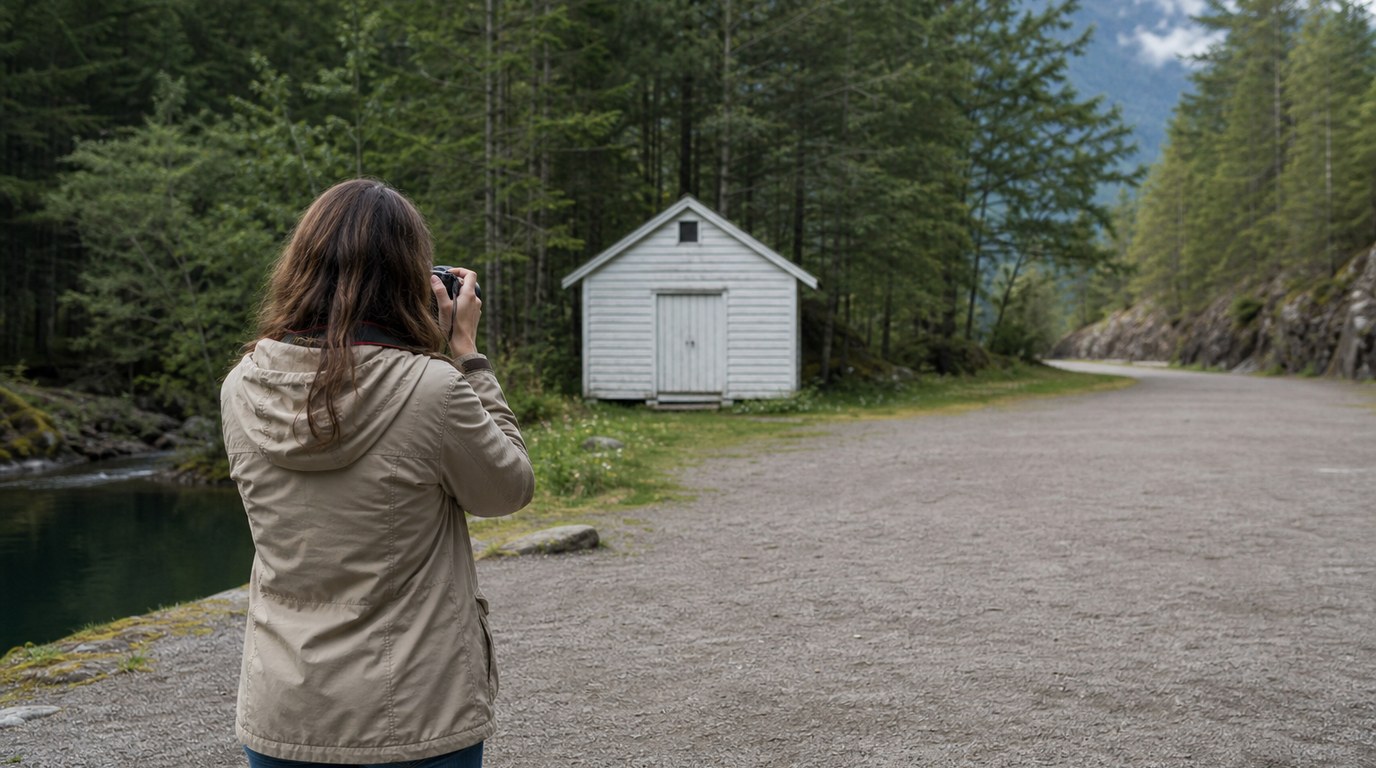
The biggest mistake is shooting from the first position you see. Moving one step left, right, forward, or backward can improve light and background immediately. Another mistake is placing the subject in the center every time without checking whether the rest of the frame helps.
Beginners also rely too much on the camera to guess focus and brightness. Modern cameras are smart, but they do not know your priority. Tell the camera what matters by tapping, focusing, and checking exposure before you shoot.
FAQ
What Is the Fastest Way to Make My Photos Look Better?
The fastest improvement is better light. Move your subject into open shade, near a window, or away from harsh overhead light. Good light makes skin tones, colors, and details look cleaner before you edit anything.
Do I Need a Better Camera to Improve My Photos?
No. A better camera can help in some situations, but most beginner photos improve faster through light, composition, focus, and exposure. Careful shooting with your current camera often makes a bigger difference than new gear.
How Can I Make Phone Photos Look More Professional?
Tap your subject to set focus and exposure, use clean backgrounds, avoid harsh light, and keep the lens clean. Step closer instead of relying too much on digital zoom. These habits make phone photos look sharper, simpler, and more intentional.
Should I Edit My Photos After Using These Tips?
Yes, light editing can help, but it should improve an already solid photo. Adjust brightness, contrast, crop, and color slightly if needed. Editing works best when the original photo has good light, a clear subject, and sharp focus.