
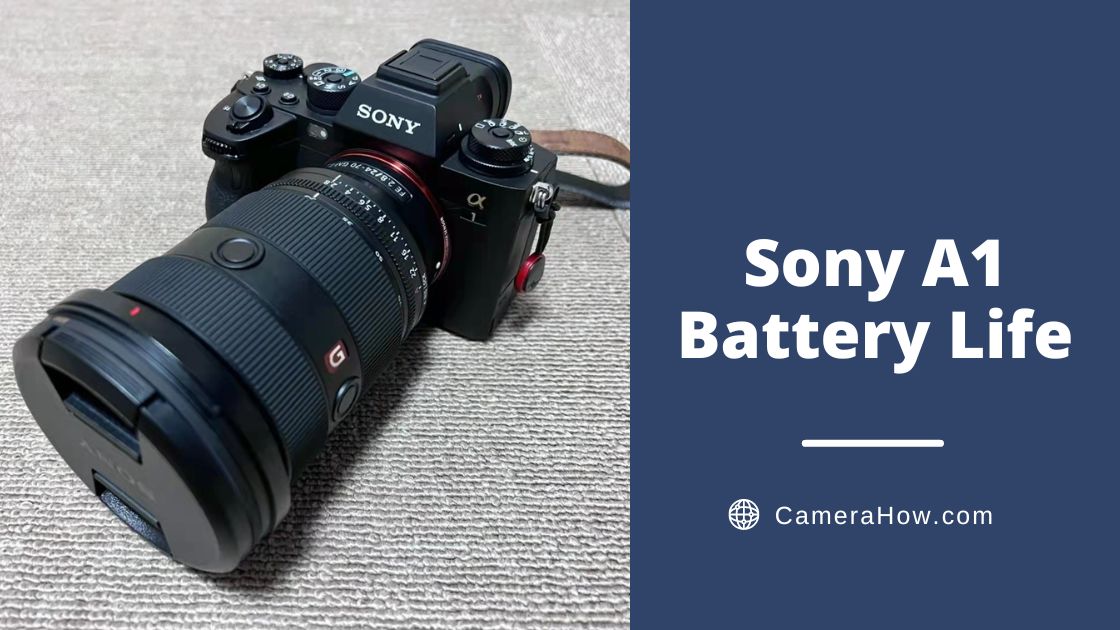
The Sony A1 is a well-deserved flagship camera. It has a high pixel count of 50 megapixels while achieving a high-speed of shooting 30 frames per second. And the Sony A1 can shoot 8k UHD videos.
Of course, we all know that the high bit rate of the camera means serious power consumption. So SONY A1 battery life can meet the demand?
In this article, I will detail the battery life of the Sony A1 and how to prolong its battery life. I hope it will be helpful to you.
What Kind of Battery Does the Sony A1 Use?
The Sony A1 is powered by the NP-FZ100 battery, which has a standard charge of 2280 mAh. It has a battery life of 530 sheets according to CIPA standards.
How Is Sony A1 Battery Life?
Here’s a table of the Sony A7C battery life in different states:
| ViewFinder/Screen | Shooting Type | Battery Life |
|---|---|---|
| ViewFinder | Actual shooting | 90 min. |
| Screen | Actual shooting | 95 min. |
| ViewFinder | Continuous shooting | 145 min. |
| Screen | Continuous shooting | 150 min. |
| ViewFinder | Still images | 430 images |
| Screen | Still images | 530 images |
What Is CIPA?
If you’re a regular reader of camera reviews, you’re no stranger to CIPA.
CIPA is an acronym for Camera & Imaging Products Association. You are easy to get the point that many Japanese camera manufacturers are members of it. So the association’s industry standards have considerable authority.
How Does CIPA Work?
CIPA’s testing program is quite strict. It requires the ambient temperature to be kept at 23 degrees Celsius and the humidity to be kept at 50%. At the same time, the test must use a random battery and random storage media.
Specific test methods are as follows.
Front setting
- Using the battery pack at an ambient temperature of 25°C (77°F).
- Using a Sony CFexpress Type A memory card (sold separately)
- Using a FE 28-70mm F3.5-5.6 OSS lens (sold separately)
Still Images Test
- One picture is taken every 30 seconds.
- The power is turned on and off once every ten times.
Movie Shooting Test
- The image quality is set to XAVC S HD 60p 50M /50p 50M 4:2:0 8bit.
- Actual shooting (movies): Battery life based on repeated shooting, zooming, shooting stand-by, turning on/off, etc.
- Continuous shooting (movies): No operations other than starting and ending shooting are performed.
This process should be continued until the camera automatically shuts down due to the lack of power. The number of photos taken is the result of the CIPA test.
How Long Can Sony A1 Shoot Without Heating in Real Life?
For me and some photographers, shooting 8K videos with the Sony A1 is very exciting. In fact, the Sony A1 can support 73 minutes of 8k video shooting WITHOUT heating. It is an outstanding achievement, worth its price.
If you plan to shoot handheld video, a gimbal for the Sony A1 can help keep footage steadier.
CIPA uses a very rigorous set of tests to get the most stringent data. In practice, you may use completely different settings or even turn off some features to reduce power consumption. That will cause your actual battery performance to be higher than the CIPA standard, which is normal.
How to Prolong Sony A1 Battery Life?
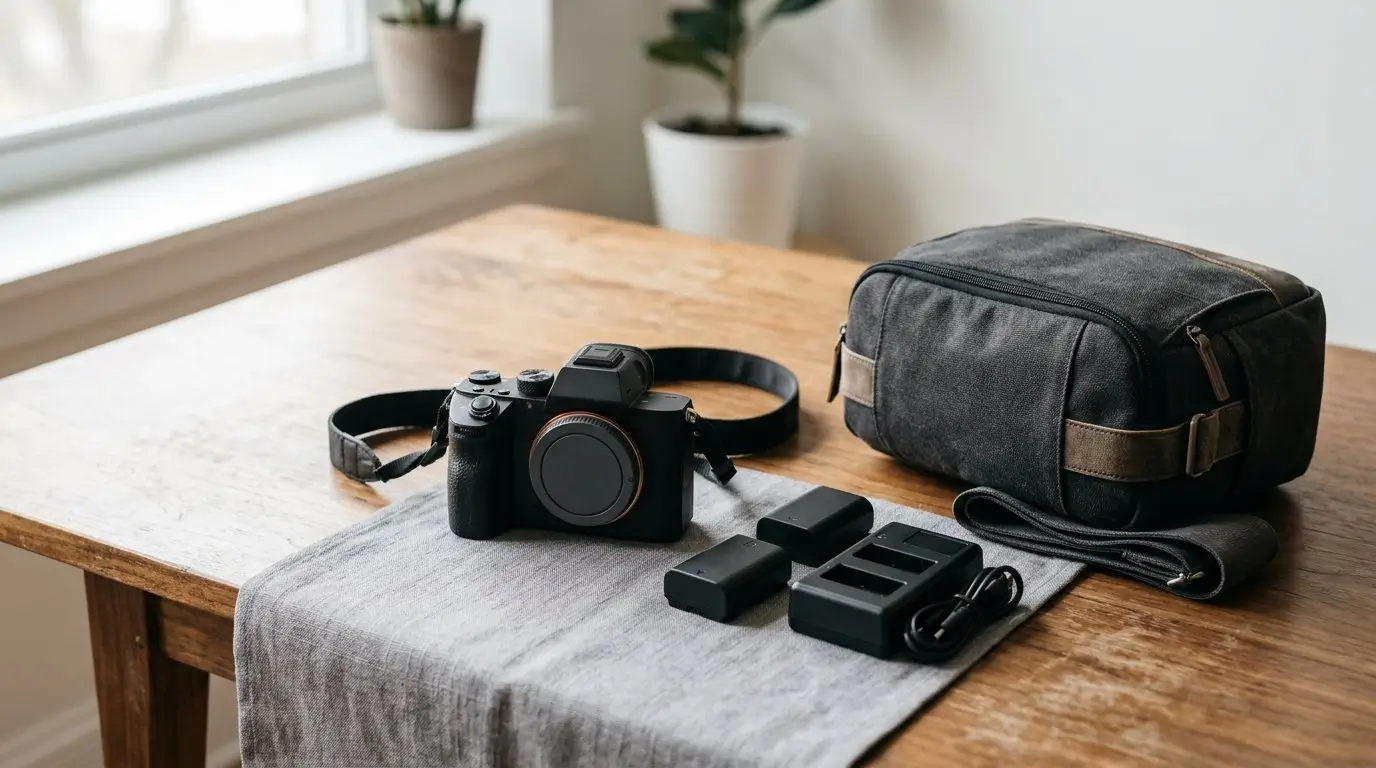
Many factors can affect the battery life, such as the environment when shooting and the camera’s settings. Some factors affect the battery’s performance, while others affect the amount of power consumed per unit of time.
Here, let’s look at how you can prolong battery life.
Maintain Battery Quality
Charge & Depleted Multiple Times
Sometimes new batteries need to be charged and depleted a couple of times before they reach their full ‘strength’. But each time, you must follow the instructions and fill the battery for a sufficient time.
Depleting Residual Power
Try to refrain from recharging the battery when there is still residual power. Even if the battery has been used up, as shown on the digital camera, there is still a little power left. If you charge the battery at this time, the battery life will be slowly reduced. Therefore, you need to consume the residual power of the camera before charging and charge it fully at one time.
Pay Attention to Temperature and Humidity.
It is very important to avoid letting the extreme environment affect your camera and battery. You can use various methods to warm up or cool down your camera, but keep your camera and battery from being exposed to extreme environments.
Wrapping the Battery
When you don’t plan to use your camera for a long time, you can take the battery out and store it separately in a cool, dry place. In addition, you need to charge and discharge the battery regularly to prevent aging.
Reduce Power Consumption
Avoid Frequent Review
A lot of power loss is generated by the LCD screen, so reducing the use of LCD can reduce a lot of power consumption. Use the screen less to play back photos, and change the habit of taking a picture and looking at it.
Turn Off the Power Consumption Settings
Many photographers know that when you get the camera first, open the flight mode, which is actually a very useful experience. In addition to airplane mode, you can turn off GPS, WIFI, and Bluetooth as appropriate. That will allow your battery life to be prolonged further.
Avoid Turning ON/OFF the Camera Repeatedly
Turning off the camera when you are not shooting and turning it on again when you are shooting should save power. Actually not! The power consumption when switching on and off is relatively large. This behavior will instead increase battery consumption. You can set the camera in standby mode and automatically enter the power-saving state when there is no operation for a certain period of time.
Reduce Technical Operations
If you want to save power, the less the operation action, the better. You can also save power by reducing zoom, autofocus, half-press shutter, prefocus, and other methods.
Of course, these are the benefits of technology itself, and there is no problem using these features. However, through your own technology, you can reduce your reliance on these features, for example, by moving your feet instead of zooming to save the power consumed by zooming.
Does the Sony A1 Support a Battery Grip?
Yes, the Sony A1 can have an external battery grip. Sony VG-C4EM Vertical Grip is an external battery grip that can support the A1, and it can be an excellent way to prolong the time of single use of the A1.
Conclusion
Sony A1’s battery is strong enough. It can support shooting 8K videos. However, its performance may be compromised in actual use due to many factors. In fact, I often have friends ask me why their camera runs out of battery soon, and the reason lies in needing to know how to prolong the battery life. Now, with this article, I hope you can learn about the Sony A1’s battery life and how to prolong it. It is a great camera that deserves your careful care.