
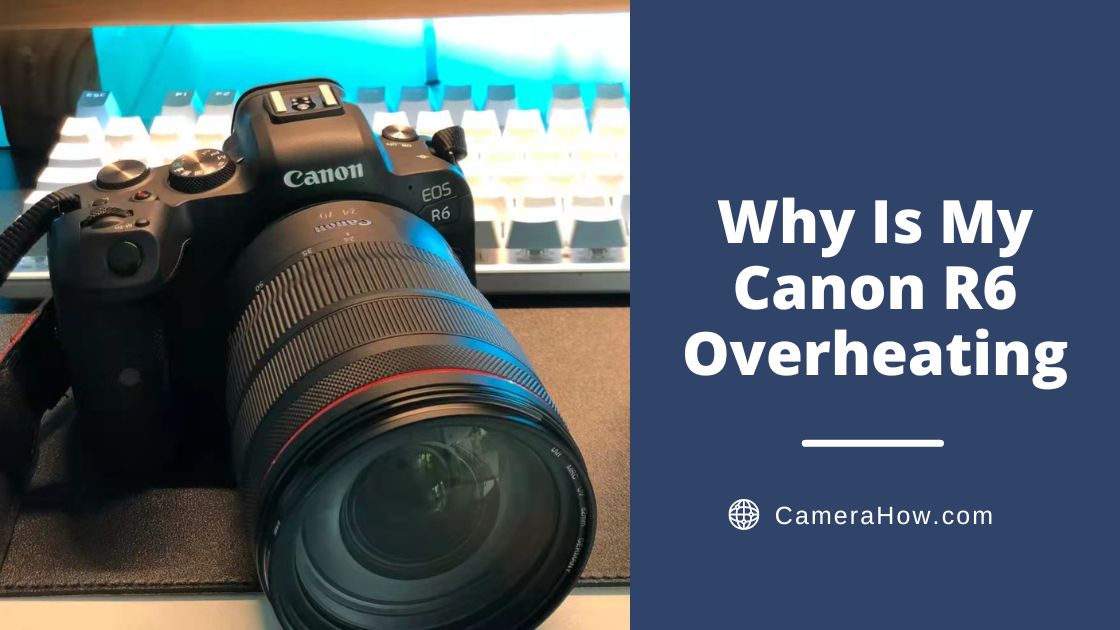
Have you experienced problems with your Canon R6 overheating? If so, you’ve come to the right place. When Canon first came out with its EOS R6, many people were excited about its cutting-edge features at a relatively affordable price.
But it’s also why many first users were frustrated and surprised when it frequently overheated. Below, I’ll tell you how you can stop your R6 from overheating and provide more perspective on the situation.
When Does the Canon R6 Overheat?
The Canon R6 is most likely to overheat when filming, as this taxes its processor and image sensor the most. This is especially true for filming in 4k. When the R6 first came out, it could only handle about 20 minutes of filming before powering off due to overheating.
What Causes the Canon R6 to Overheat?
No Cooling Pads or Heat Management
The main reason is that it has no cooling pads or heat management in the body of the camera. These weren’t added because its compact, easily portable body was a selling point for many photographers. At the same time, Canon doesn’t want its cameras to become hot on the outside because these can cause low – degree burns on its users.
Not Specifically Designed for Video
It’s important to remember that the Canon R6 isn’t a dedicated video camera. It’s not designed to support long-form film content without a lot of breaks in between shots. As photographers, we always need to decide what we prioritize in a camera before buying, because no camera has it all.
If you’re also trying to stretch recording sessions, Canon R6 battery life is another factor worth checking.
Firmware Not Updated
Cameras like the Canon EOS R6 are overheating more often soon after launch. But for the R6, this problem has been greatly improved after firmware 1.1.1 came out. So go update it if your firmware is still an old version.
How the First Firmware Update Changed Things
In the test, you will find that the new firmware has indeed greatly improved the overheating problem of the r6.
Comparison
The R6 with the original firmware was only able to film for a maximum of 40 minutes, even though the camera was powered off in between shoots.
Meanwhile, the R6 with firmware 1.1.1 (the updated firmware) was able to film for 2 hours. Even when the camera was not powered off during the last 1 hour and 15 minutes of filming.
Principle
The firmware update improved the overheating issue by more consistently factoring in ambient temperatures and taking temperature readings more frequently.
Even though it drastically improved the overheating problem in the R6, you’ll still need to do some things to prevent it from overheating.
How to Keep Canon R6 from Overheating?
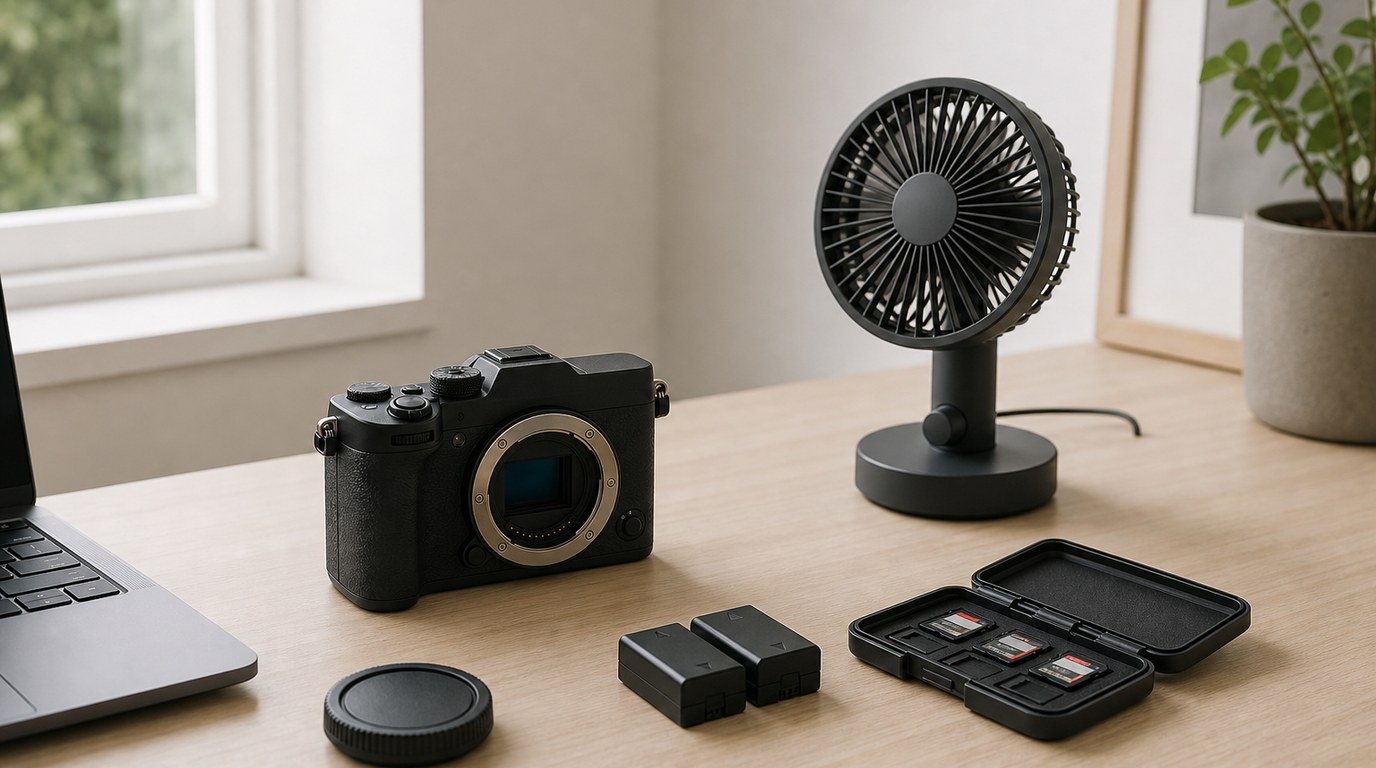
There are some homemade “hacks” out there designed to circumvent the mechanisms that cause the R6 to overheat. I would not recommend using these except for a very short period of time because they pose a high risk of permanently damaging parts of your camera.
So, let’s look at some more effective and safe ways to address your R6 overheating problem.
Managing Sunlight Exposure
When possible, avoid exposing your R6 to direct sunlight. This causes it to heat up much faster. However, it is unavoidable that there are some shots you want to capture in strong sunlight. A clip-on umbrella would come into play in this case.
Managing Ventilation and Temperatures
In a similar vein, be careful when shooting in warm temperatures, especially those that are 80 degrees Fahrenheit or above. If you can’t avoid shooting in these kinds of temperatures, I recommend putting your R6 on a covered ice pack, setting it in the shade.
When possible, it’s best to shoot in a well-ventilated area. This will keep the ambient temperature down and provide a widespread ventilation source. This is important because the R6 has no internal ventilation.
Update Firmware
Always make sure you download the latest firmware for your R6. This is one of the most important and easiest things to do in order to improve the endurance of your R6 and stop seeing that overheating signal.
The first firmware update that came out for the R6 made huge improvements to its overheating problem. And more recent firmware updates have added other settings that continue to help prevent it from overheating.
Adjust Settings
Once you have the latest firmware updates installed, you can also adjust the settings on your R6 to prevent overheating. You’ll want to make sure “Standby: Low res” is on, which automatically helps keep your R6 from overheating while recording.
Reduce Long Continuous Shooting
Don’t subject your R6 to continuous shooting unless it’s actually necessary. Once you’ve got the shots that you need, you don’t need to keep shooting the same thing.
If you do need to continuously shoot for an extended period of time, make sure to power down your R6 for 5 – 10 minutes at least every 45 minutes.
Reduce 4k Shooting
Don’t shoot in 4k if you don’t need to. Your R6 is very unlikely to overheat now filming in 1080p. You can also upgrade your footage to 4k later, which is something the impressive bitrate of the R6 makes easy.
If the overheat warning comes on while filming in 4k, it’s best to temporarily switch to 1080p to allow your R6 to recover.
Faster Memory Card
Getting a memory card that works faster and has more storage could help your R6 last longer before overheating. This kind of memory card won’t use as much of your camera’s resources.
Keep Your Hands Away
Using a tripod or gimbal and keeping your hands off of your R6 as much as possible will help keep it cool. This is because continuous heat from your hands increases its temperature over time.
<Strong>conclusion</strong>
Although the Canon R6 still has some overheating issues after the firmware update, it is still an excellent model.
With the tips discussed in this article, hope that you can enjoy your R6 without the threat of overheating hanging over you.